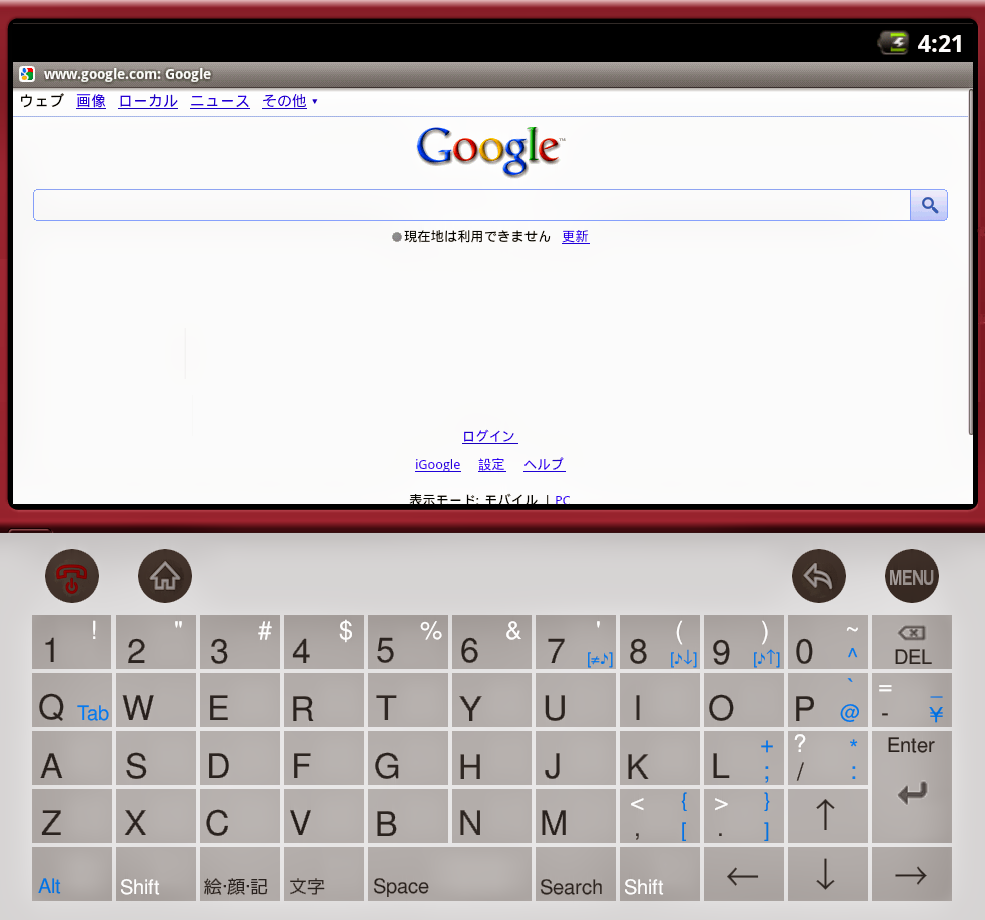
もともと、Palmもつかっていたおかげもあって、入力は体が覚えてました。(´∀` )
日本語と英語の切り替え自体は、新たに追加になったボタン部分の、「変換」キーの下にある部分を「A」ー>「あ」へ切り替えれば日本語モードです。
あえて注文するなら、POBoxと連携が取れたら最強だったかもってくらい…
もうしばらく、使って当時の感覚をもっと呼び戻そう。オレ。

[設定]ー>[端末情報]ー>[ソフトウェア更新]で、更新チェックのあと実行の流れ。


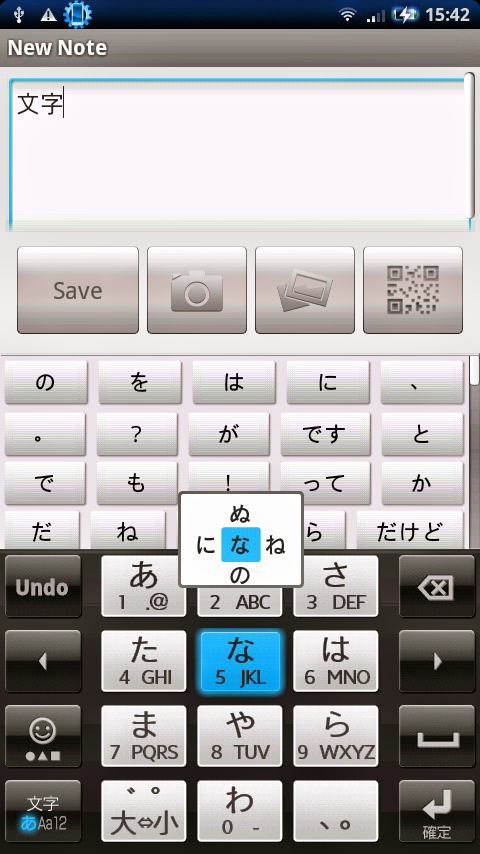
POP server: pop3.live.com (Port 995)
POP SSL required? Yes
User name: Your Windows Live ID, for example yourname@hotmail.com
Password: The password you usually use to sign in to Hotmail or Windows Live
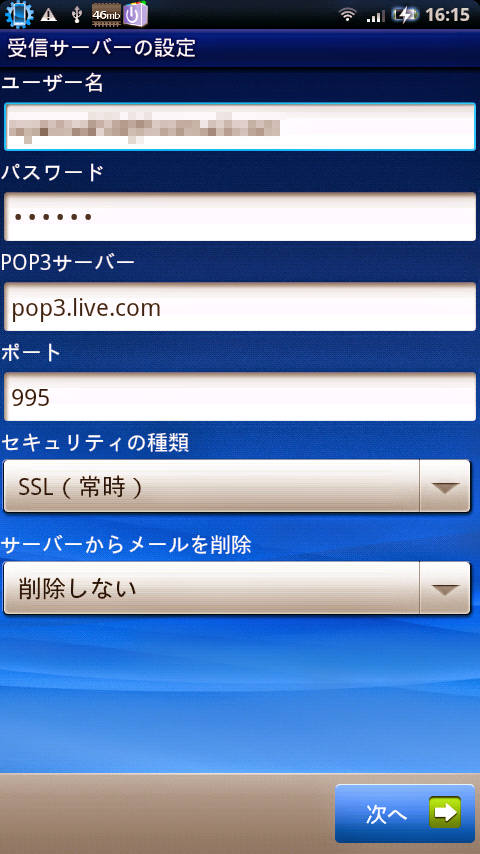
SMTP server: smtp.live.com (Port 25 or 587)
Authentication required? Yes (this matches your POP username and password)
TLS/SSL required? Yes
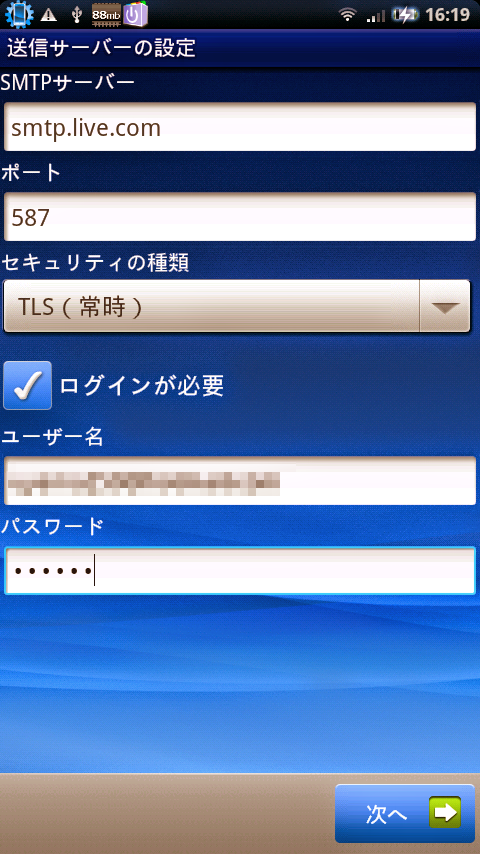




SUBSYSTEM=="usb_device", SYSFS{idVendor}=="xxxx", MODE="0666"



$ android list targetAVDの作成は
Available Android targets:
id: 6 or "SHARP Corporation:JN-DK01 (Beta version):4"
Name: JN-DK01 (Beta version)
Type: Add-On
Vendor: SHARP Corporation
Revision: 1
Description: SHARP JN-DK01 Add-on Beta version 1
Based on Android 1.6 (API level 4)
Skins: WVGA854, HVGA, WVGA800, QVGA, JNDK01 (default)
Adds USB support for devices (Vendor: 0x04DD)
$ android create avd -n JNDK01 -t 2 --sdcard 128Mとか直接作成でもよいでしょうし。
$ emulator @JNDK01 -qemu --cpu cortex-a8